

TapScribe documentation
Permissions and audio
Check microphone and Mac audio access and recover a missing source.
Apple Silicon · macOS 15 or later · English transcription
Understand Me and Them
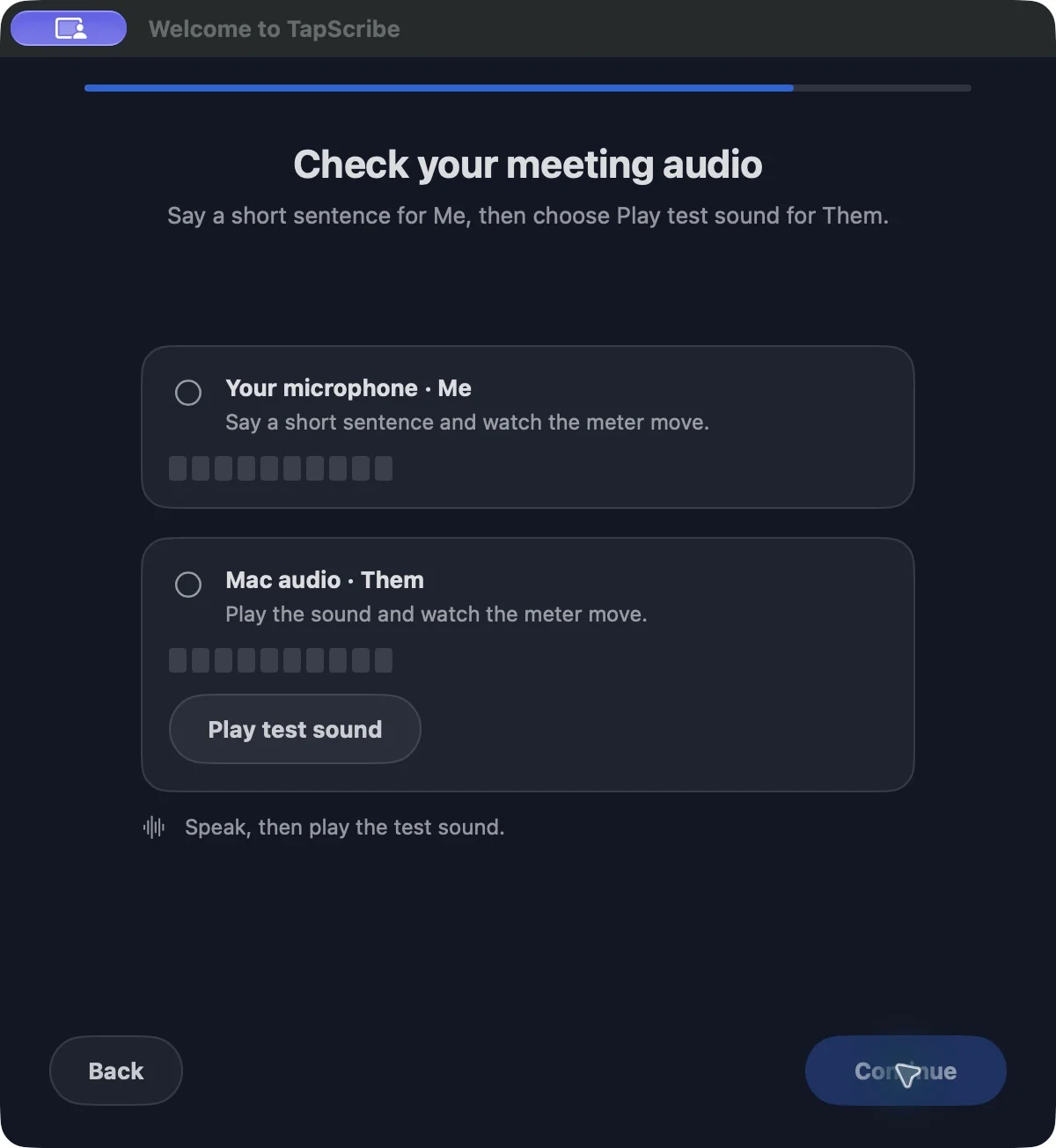
Me is your microphone. Them is audio playing through your Mac. In a call with several remote participants, Them contains all of those participants. These labels describe recording sources, not verified speaker identities.
Prefer headphones for remote meetings. Speakers in the room can feed the remote voices back into your microphone. Always check an important phrase against the audio if attribution matters.
Allow microphone access
- Open macOS System Settings → Privacy & Security → Microphone.
- Allow TapScribe.
- Check System Settings → Sound → Input and select the microphone you intend to use.
- Return to setup’s Audio Check, or make a short test recording if setup is already complete.
Changing headphones, USB devices or Bluetooth connections can change the input. A moving meter is helpful, but listening back to a test is the stronger check.
Allow Mac audio access
- During setup choose Allow Mac audio.
- If access was denied, open System Settings → Privacy & Security → Screen & System Audio Recording. The precise label can vary with macOS.
- Enable TapScribe and follow any quit/reopen request.
- Play the supplied sound in setup, or audible speech on the Mac for a test recording. Check Them and listen back.
TapScribe uses this permission for audio; it does not record pictures of your screen. Settings → Permissions provides shortcuts to the macOS permission panels.
If one side is still silent
Confirm that the media is actually playing and the intended microphone is selected. Quit and reopen TapScribe after a permission change, then repeat the short test. Do not begin a critical meeting on the assumption that a silent source will recover itself.
If the problem continues, contact support with the app/macOS versions, whether Me or Them is affected, and the exact message. Leave private recordings out of the first support message.